



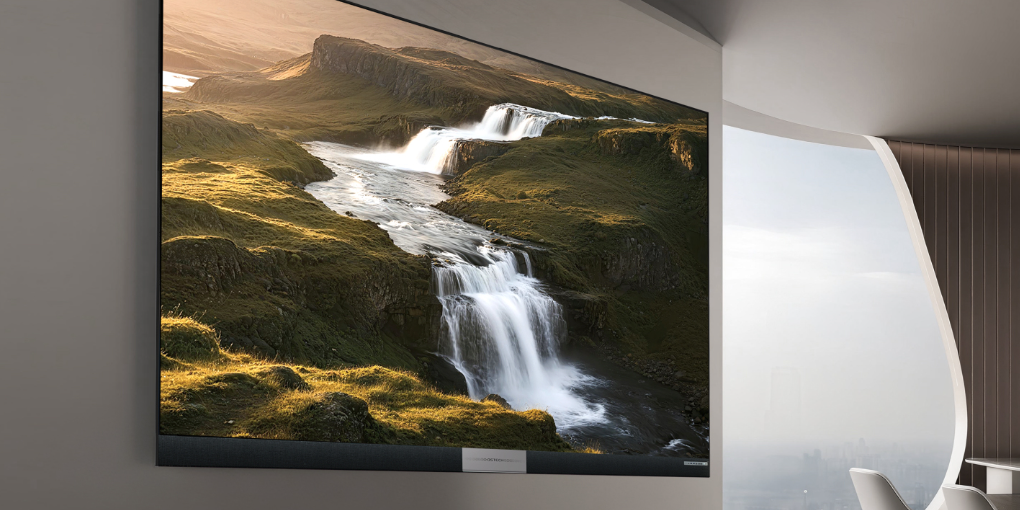
As meeting spaces become smarter and more flexible, QSTECH develops advanced conference LED display solutions that help organizations improve productivity and create better collaboration experiences. The right system should balance image clarity, user interaction, connection convenience, and long-term reliability.
Understanding Resolution and Image Performance
Resolution is one of the most important factors when selecting a conference LED display. Resolution refers to the total number of pixels displayed, while perceived image clarity also depends on pixel pitch, screen size, content type, and viewing distance.
For professional meeting rooms, the right resolution helps participants view information clearly from different distances. Whether teams are conducting presentations, video conferences, or training sessions, reliable image performance ensures that every detail is delivered accurately.
| Selection Factor | Why It Matters | Practical Tip |
|---|---|---|
| Resolution | Affects detail and content readability | Match resolution to screen size and content type |
| Pixel pitch | Influences clarity at close viewing distances | Use finer pitch for boardrooms and detailed documents |
| Viewing distance | Determines how sharp the image appears | Evaluate the closest and farthest seats before choosing |
| Content type | Charts, video, dashboards, and documents need different clarity levels | Plan around daily meeting workflows |
Touch Control for Interactive Meetings
Touch control has become an important feature for interactive meetings. Touch-enabled LED displays allow users to write, annotate, and share ideas directly on the screen, helping teams turn presentations into active collaboration sessions.
Touch-enabled configurations can support on-screen annotation and direct content interaction, although the required touch hardware and computing components vary by system. Businesses should confirm the intended workflow before selecting touch modules, operating systems, or external computing devices.
Connectivity and Smart Meeting Features
A professional LED display solution should provide flexible connectivity options for different devices and working styles. Easy connection between computers, cameras, wireless sharing tools, and meeting equipment reduces setup time and lets teams focus on communication instead of technical issues.
QSTECH X Wall V3 represents a new generation of smart meeting displays by combining AI capabilities with professional display performance. AI-powered real-time subtitles can capture live audio, recognize speech, and provide offline translation in supported regions.
In supported countries and regions, AI Super Resolution can enhance compatible low-resolution content to near-4K image quality. AI Eye Protection technology also supports true-to-life colors and adaptive brightness adjustment for improved viewing comfort during extended meetings.
About QSTECH
QSTECH is an LED display solution provider and a wholly-owned subsidiary of CVTE. With strong R&D capabilities and display technology expertise, QSTECH develops reliable LED solutions for conference rooms, commercial displays, control rooms, outdoor media, cinema, rental, and all-in-one collaboration spaces.
FAQ
What resolution is best for a conference LED display?
The best resolution depends on screen size, viewing distance, and content type. Detailed documents and video conferencing usually need higher pixel density than simple presentation slides.
Why does pixel pitch matter in a meeting room?
Pixel pitch affects how sharp the image looks at close range. Smaller pixel pitch is usually better for boardrooms and conference rooms where viewers sit near the screen.
Can conference LED displays support touch control?
Yes. Some configurations can support touch control, annotation, and direct screen interaction, but the required touch hardware and computing setup should be confirmed before purchase.
What connectivity features should a meeting display include?
A professional meeting display should support computers, cameras, content sharing, audio systems, and control devices. Wireless sharing and integrated meeting functions can simplify daily use.
How does QSTECH X Wall V3 improve conference spaces?
X Wall V3 combines display quality, AI subtitles, AI Super Resolution in supported regions, adaptive brightness, and smart meeting functions to support clearer and more efficient collaboration.
Build a Smarter Conference Space
Contact QSTECH to choose a conference LED display solution with the right resolution, touch control, and connectivity for your meeting environment.


